Case study by Yana Yeromina · 2021

ГОТОВО!
Document Service

A complete UX/UI redesign of a Ukrainian government document-service portal, making bureaucratic processes fast, clear, and human-friendly for 128 million annual visitors.

Web & Mobile Government Service UX Redesign UI Design Information Architecture Figma
Role
UX/UI Designer
Year
2021
Platform
Web & Mobile
Scope
Redesign · Full Product

ГОТОВО! Документ-Сервіс is a Kyiv service centre for citizens: passports, marriage registration, insurance, apostille, property legal services and more.

The existing product had an outdated visual language, a confusing hierarchy and a service structure that felt impenetrable to everyday citizens. The task: refresh the design and make the structure more convenient and user-friendly.

The goal: simplify how citizens deal with the state, with a service that keeps getting documents short and keeps customer care fast, convenient and high-quality.

What I did

  • A full UX audit of the existing service
  • An information architecture redesign
  • A brand identity refresh
  • Web and mobile UI design
  • User flows for the key journeys
  • A component library and design system
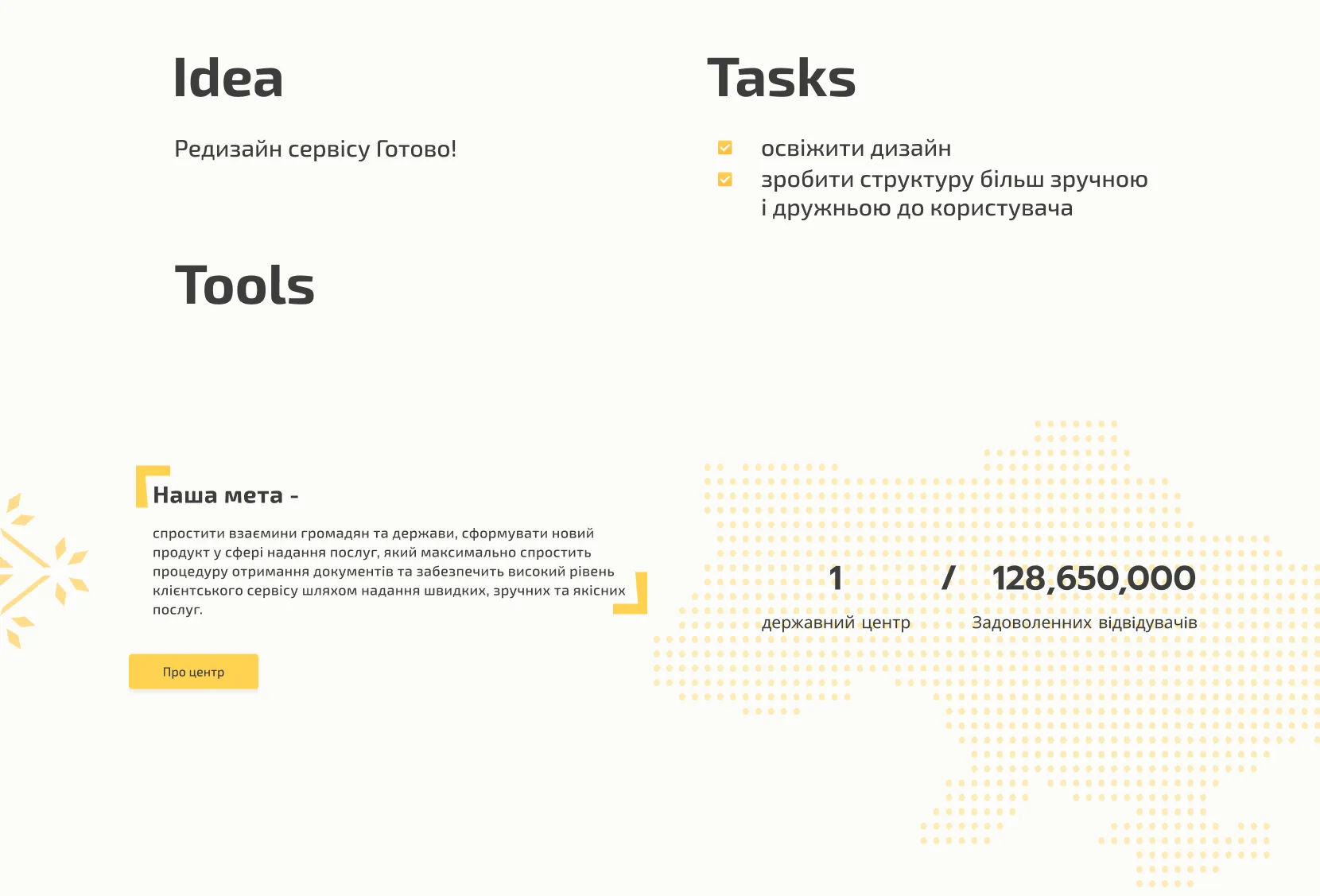
ГОТОВО: idea, tasks and goals overview

Idea

Redesign the ГОТОВО! service from the ground up, keeping the brand's warmth and approachability while making it far easier to use.

Tasks

  • Refresh the visual design language
  • Make the structure more convenient and user-friendly

Impact

One state centre serving 128,650,000 satisfied visitors: proof that government services can be efficient and pleasant.

The old "Документ" portal felt dense and transactional. ГОТОВО! treats citizens as valued users, not case numbers.

The redesign brings a clear hierarchy, a warm yellow brand language and an approachable tone.

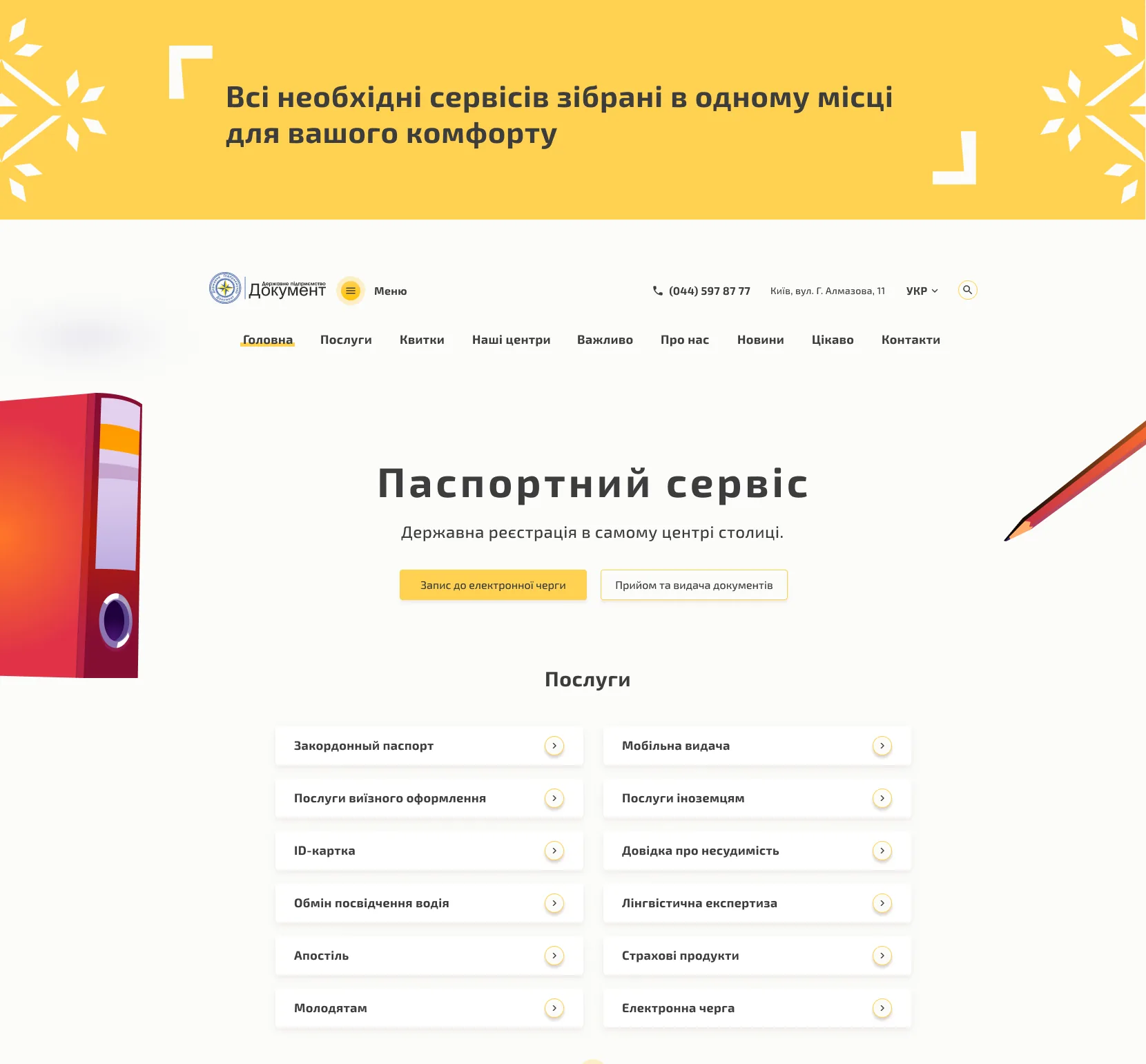
Before and after: the original Документ portal next to the redesigned ГОТОВО! platform
Left: the original "Документ" portal. Right: the redesigned ГОТОВО! platform.

Every key flow was mapped and simplified, from finding a service to booking and submitting documents. Service pages gather everything in one place, so citizens don't have to move between government portals.

Step 1 · Find a service

A catalogue you can scan, not search

From marriage registration to international shipping, very different services sit in one friendly grid that leads people to what they need without overwhelming them.

  1. A picture for each service. Illustrations make the grid quick to scan.
  2. Plain names. Services are named the way citizens would say them.
  3. One action per card. "Details" is the only way forward.
  4. Eight categories, one hub. Partner services sit in the same grid.
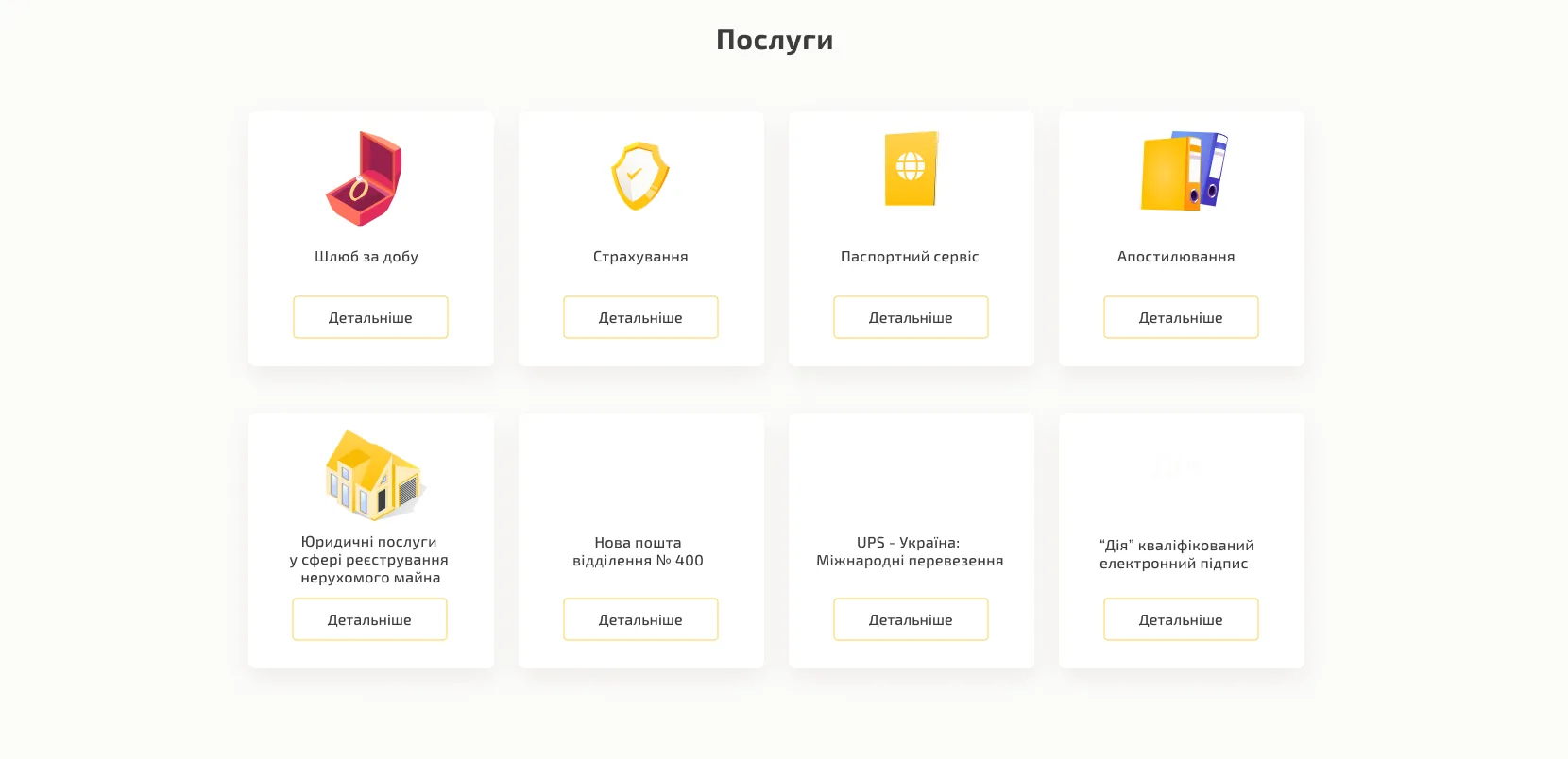
Services catalogue: eight cards including one-day marriage, insurance, passport service, apostille, property legal services, Nova Poshta, UPS and a Diia e-signature, each with an illustration and a Details button
Step 2 · Service page

Everything about one service, on one page

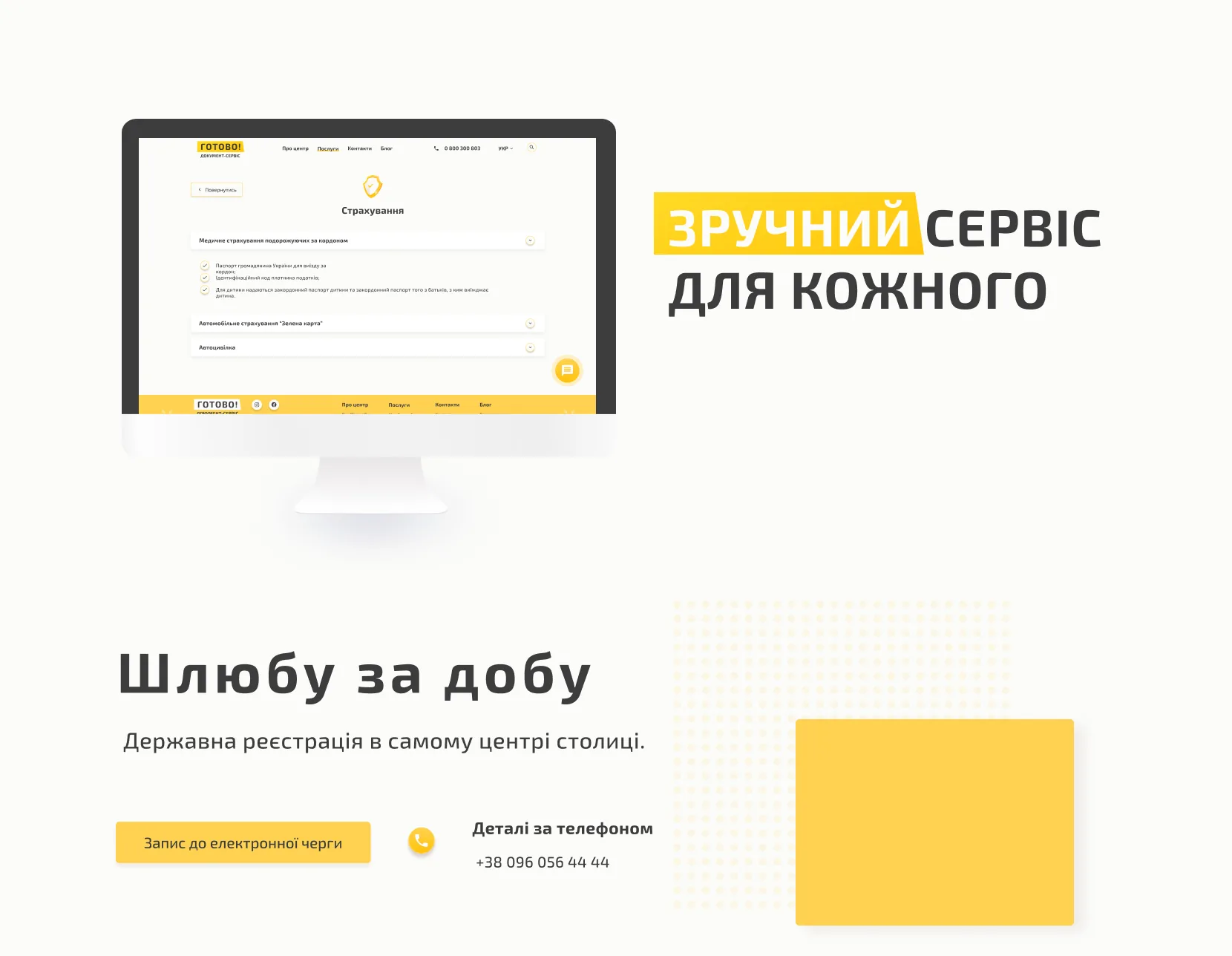
Documents required, options and contact details sit together. The desktop design follows a "convenient service for everyone" idea: bold type, warm yellow accents and generous space, so even legal processes feel manageable.

  1. Options open in place. Each type of insurance expands without leaving the page.
  2. What to bring. Required documents are listed as a checklist.
  3. Help is always there. A chat button on every page.
  4. Book online. A place in the electronic queue in one click.
  5. Or call. The phone number sits right next to the button.
Service pages: insurance options as expandable rows with checklists of required documents and a chat button; the one-day marriage page with a button to book the electronic queue and a phone number
Step 3 · Register

An account in four fields

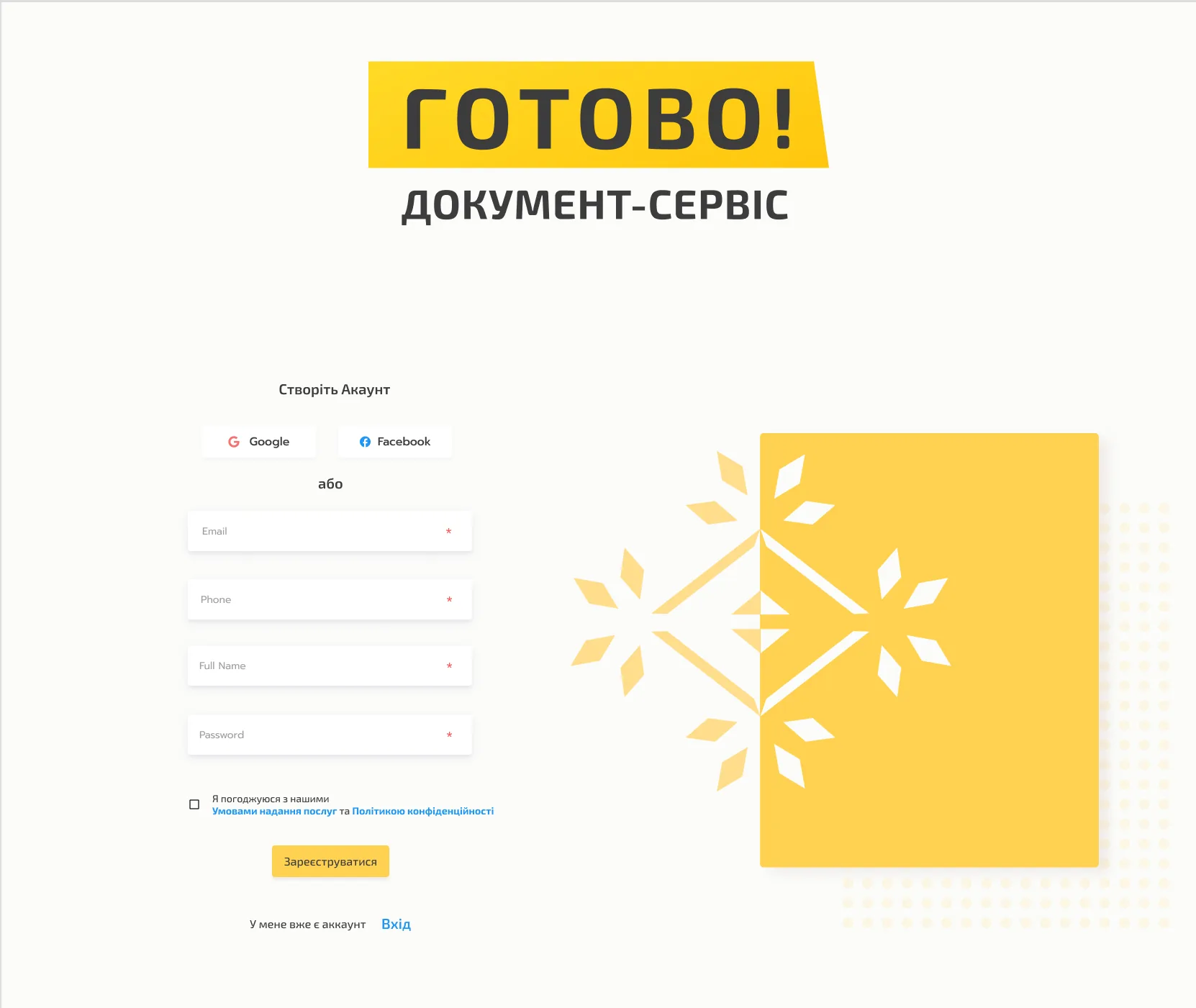
Registration asks only for what the service needs to reach the citizen and process an application.

  1. Social sign-up. Google or Facebook, if you prefer.
  2. Four fields. Email, phone, full name and password.
  3. Clear consent. Terms and privacy policy linked in the checkbox.
  4. One button. The yellow action finishes the form.
  5. Already registered? Sign in from the same screen.
Account creation: Google and Facebook buttons, email, phone, full name and password fields, a consent checkbox linking the terms and privacy policy, a yellow Register button and a sign-in link
Step 4 · Apply

Submit an application from your profile

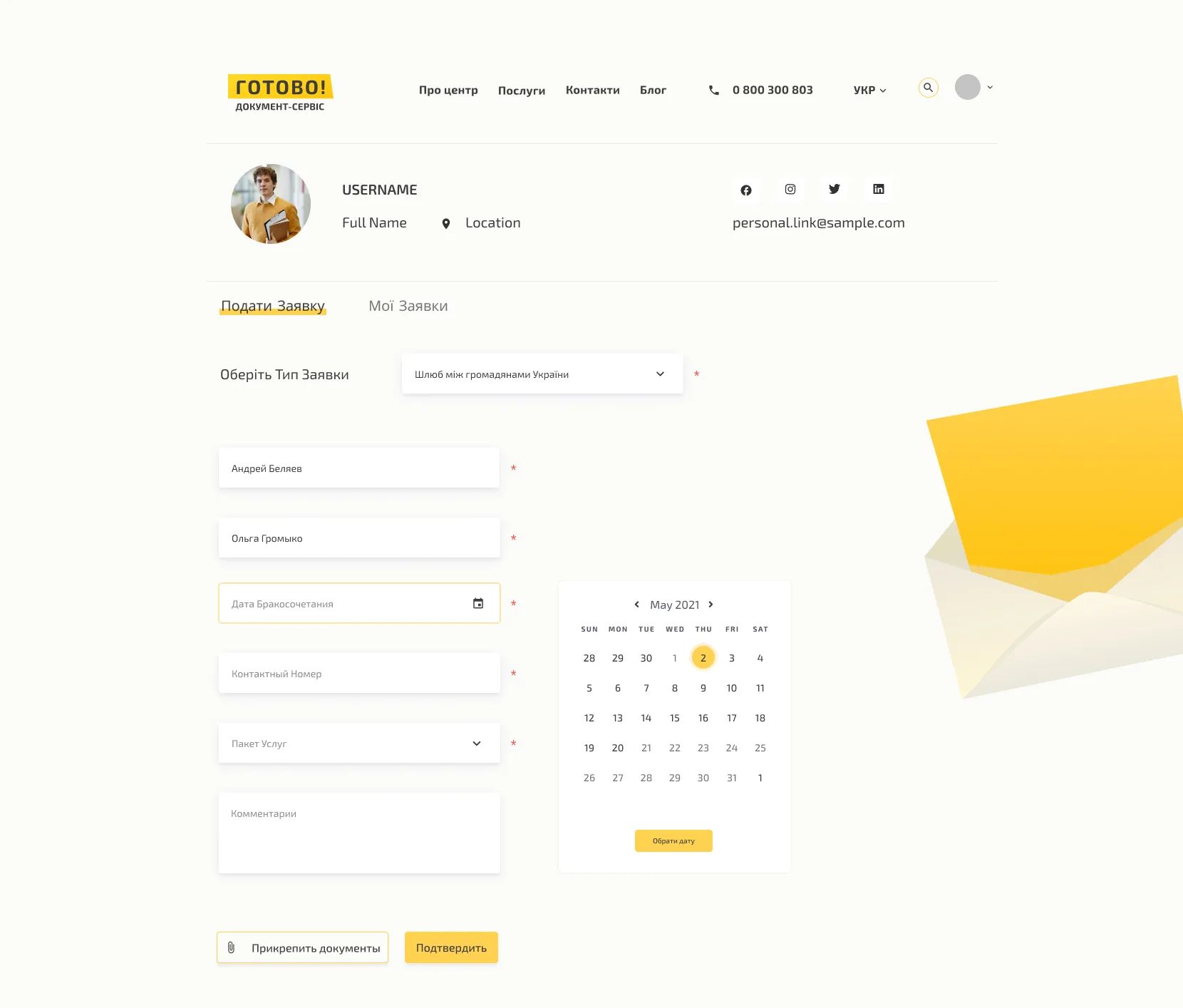
The profile is where applications start and where their progress lives.

  1. New or existing. Submit an application, or check the ones already sent.
  2. Pick the type first. The form adapts to the service chosen.
  3. A date picker. Choose the day directly in a calendar.
  4. A service package. Choose the level of service up front.
  5. Documents attached. Upload them with the application.
Application form in the user profile: tabs to submit an application or see my applications, an application type dropdown, name fields, a marriage date with a calendar picker, a service package dropdown, comments, and buttons to attach documents and confirm
Step 5 · On mobile

The same service in a pocket

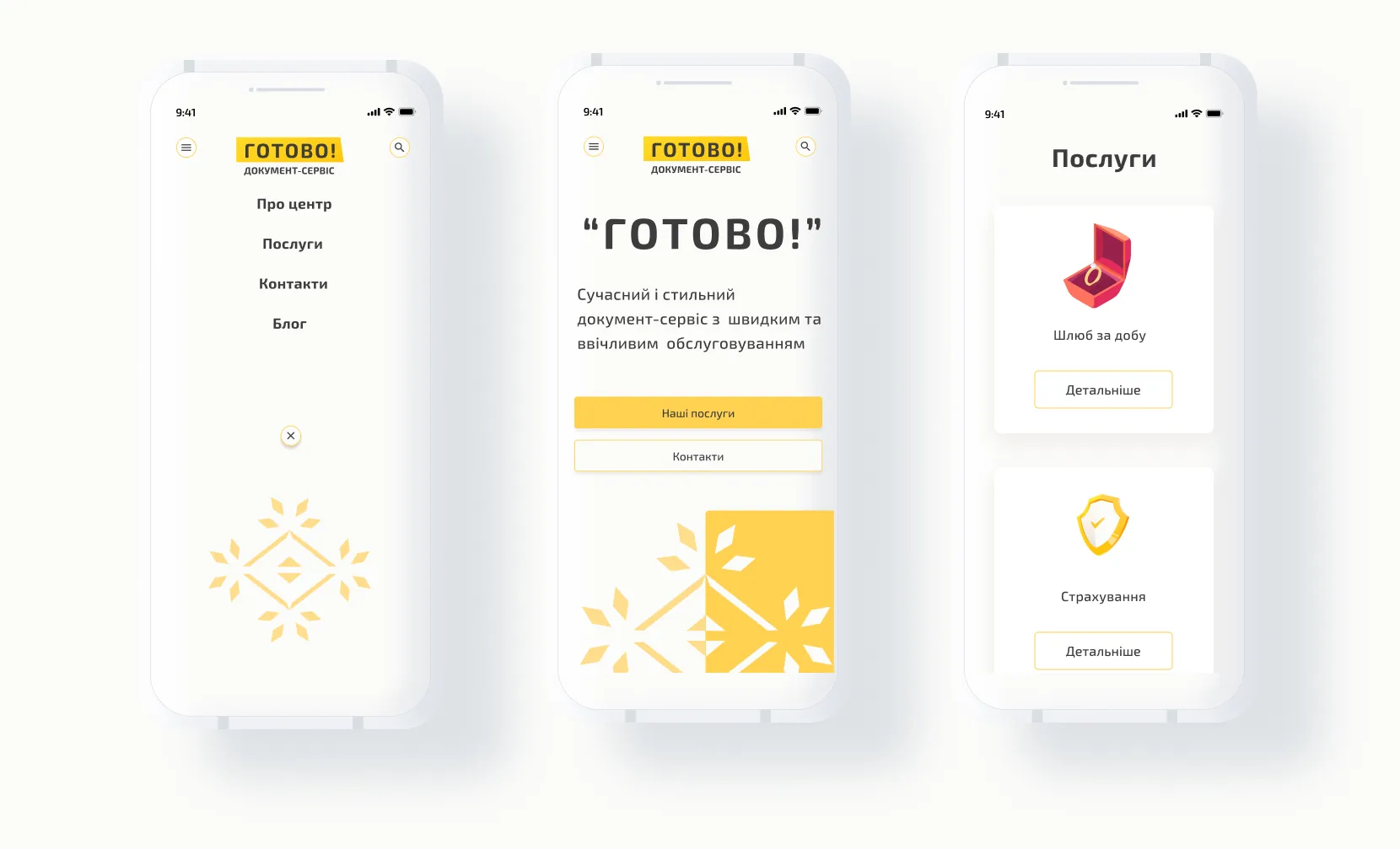
Mobile was designed alongside desktop. The layout keeps the brand's warmth while adapting the catalogue, navigation and application flows to small screens, so citizens can reach government services from anywhere.

  1. Four items in the menu. About, Services, Contacts and Blog.
  2. Two clear paths. Our services or contacts, straight from the home screen.
  3. Cards that stack. The catalogue becomes a single column.
Mobile screens: an open menu with About, Services, Contacts and Blog, the home screen with buttons for services and contacts, and the services list as stacked cards

A bold geometric snowflake, a confident yellow and heavy sans-serif type: authority and approachability in equal measure.

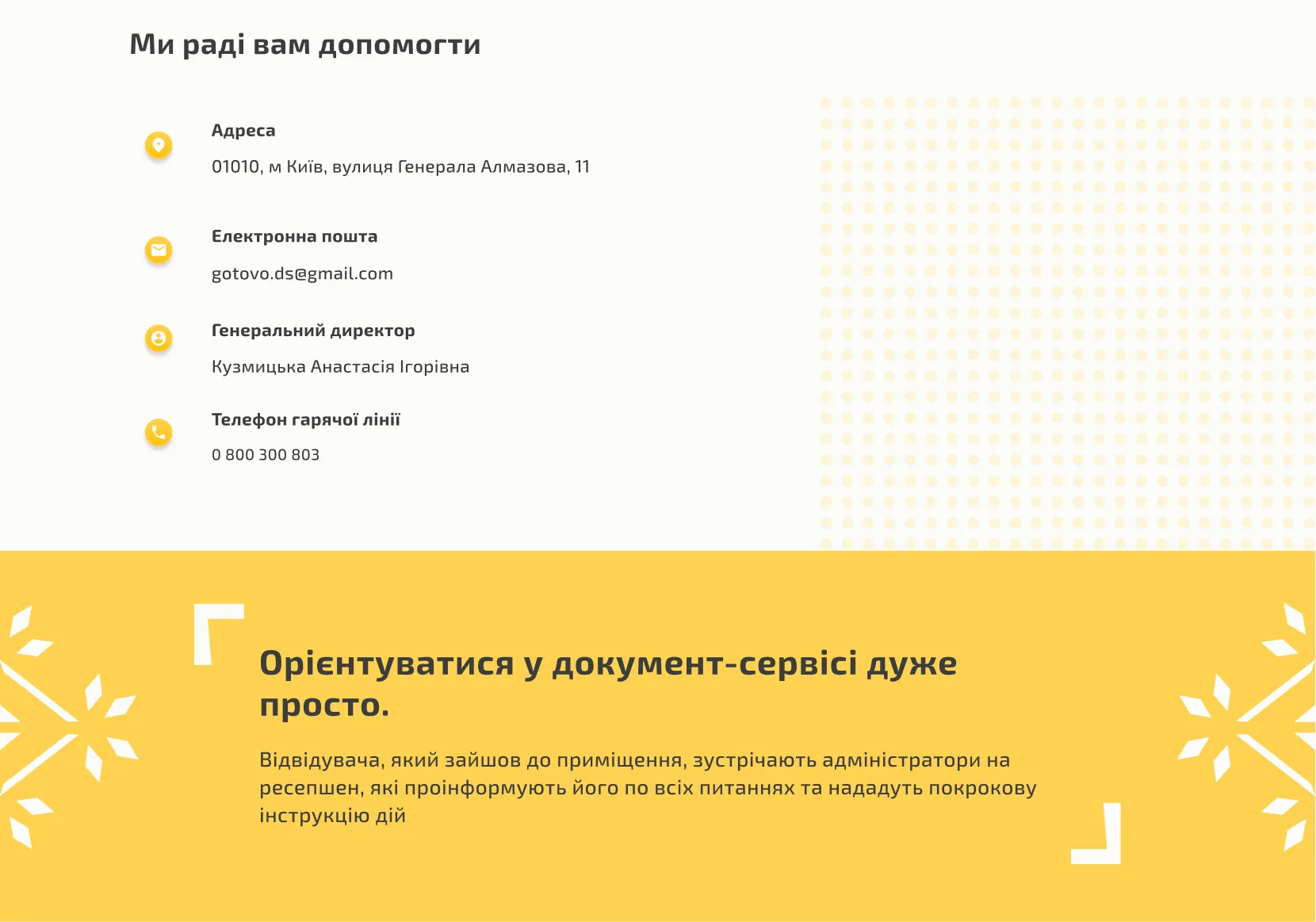
The contact section signals trust with structured, scannable information.

ГОТОВО: contact information and brand call to action
128M+
Satisfied visitors served by the redesigned portal
8
Core government service categories streamlined into one intuitive hub
↓40%
Reduction in navigation depth: all services reachable in 2 clicks
01

Government UX demands radical clarity. When users are under stress (navigating bureaucracy, deadlines, legal obligations), every ambiguous label or buried action costs real emotional energy. Simplicity is not a preference; it's a requirement.

02

Brand warmth builds trust in institutional contexts. The shift from the cold "Документ" identity to the energetic, yellow-accented ГОТОВО! was not cosmetic: it fundamentally changed how users perceived the service's approachability and reliability.

03

Transparent pricing is a UX feature. Surfacing service costs (Базовий / Стандарт / Преміум) directly on the service page, rather than hiding them behind contact forms, significantly reduces friction and builds user confidence in the service.

04

Mobile parity is non-negotiable for civic services. Designing the mobile experience in parallel, not as an afterthought, ensured the service remained accessible to citizens regardless of device, which is critical for a public-facing government platform.